
Home/Catalogue/ViewSonic/SW-101
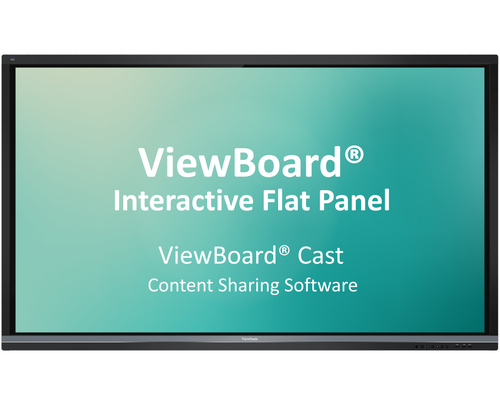
ViewBoard Cast for Windows
- Reply within 1 business day
- Volume & business pricing
- Shipping across Canada & US
Overview
ViewBoard® Cast is an app for content sharing among mobile devices that enables 1080p content to be streamed from a user’s device onto ViewBoard® over wireless or cable networks. Content that can be broadcasted from mobile devices and shown on ViewBoard®’s large screen includes multimedia, documents, cloud files, and any content that can be used by multiple users simultaneously for real-time annotations. A host can control displayed content broadcasted from Window/Mac/Chrome OS laptops while Android and iOS device participants are able to use ViewBoard® Cast’s specialized annotation toolbar and control ViewBoard® remotely. Whether in class or in a meeting, ViewBoard® Cast makes teaching and group discussion quick and easy.
Compatible with Mobile Devices
Windows, Mac, Chrome, iOS, and Android users are able to connect to ViewBoard® over wireless and wired networks. Simply download the mobile app vCastSender* and connect to the ViewBoard® shared screen.
*Download the vCastSender app for Chrome/Android/iOS
Presenting: Instant Wireless Presentations on Windows, Mac, Chrome, Android, and iOS
With just one click presenters can transmit content to ViewBoard® wirelessly to be displayed for all participants without monotonous setup and cable connection issues.
Participating: Simultaneous Mirroring on Android and iOS Devices
All Android and iOS users are able to mirror the content displayed on ViewBoard® in the same domain name system (DNS) no matter where they are in the room.
Participating: Simultaneous Annotating on Android and iOS Devices
All Android and iOS users are able to annotate on content displayed on ViewBoard® in the same domain name system (DNS) no matter where they are in the room.
Hosting: Annotation on ViewBoard® Mirrored to All
Hosts can annotate directly onto ViewBoard® content while simultaneously transmitting their annotations to all Android and iOS users.
Hosting: Touch Feedback Remote Control
During a discussion, hosts can access and control the presenter’s Windows or Mac device remotely via ViewBoard®’s touch feedback remote control, thus sharing control of the presenter’s device. Any changes made will be transmitted to all mobile users.
Hosting: Moderator Mode for Previewing and Managing Group Presentations
Moderator mode allows max. 30 - 50+ laptop participants to be connected simultaneously.* Hosts can preview, turn off, switch between, and annotate on any screen connected on ViewBoard®.
*Number of participants will vary depending on PC performance, internet bandwidth, and router configuration.
*ViewBoard® Cast Windows version only.
Hosting: Split Screen for Mirrored Screen Overview
From side-by-side to multiple screens*, ViewBoard® enables all presenters to share their screens while not showing the ones a host has turned off.
*Number of participants will vary depending on PC performance, internet bandwidth, and router configuration.
*ViewBoard® Cast Android version not supported on IFPXX60.
Hosting: Broadcast to All
With support for Windows, Mac, Chrome, Android, and iOS, hosts can mirror a screen on ViewBoard® to all attendees at any time. Whether for meetings or in classes, notes can be saved as an image file by ViewBoard®’s embedded software in an instant.
*ViewBoard® Cast Windows version only.
Specifications
License
- Compatibility
- Windows, Mac, Chrome, iOS, Android
Packaging data
- Quantity per pack
- 1 pc(s)
More in Accessories
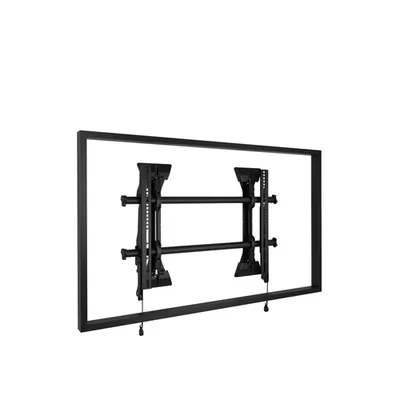 ChiefMicro-ADJST Fixed Wall MT Med
MSM1U ViewSonicBrilliantColor Panel 100", 1080p Black Diffuser Panel, High Ambient Li
BCP100 ViewSonicBrilliantColor Panel 120", 1080p Black Diffuser Panel, High Ambient Li
BCP120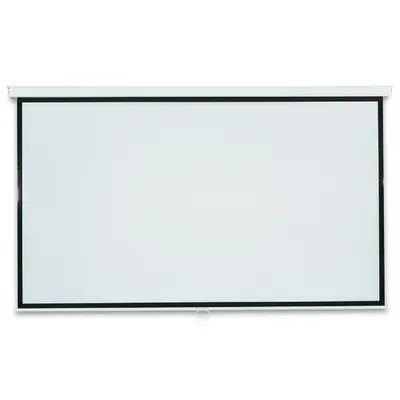 ViewSonic100" Projection Screen(1300*2270mm),viewable size 1240*2210mm,matt whi
PJ-SCW-1001W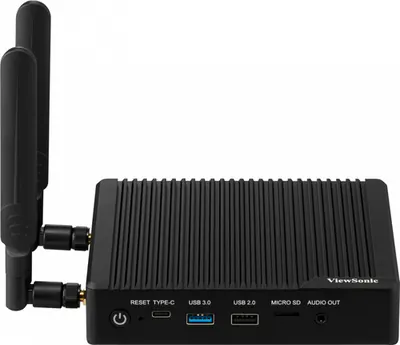 ViewSonicA smart box, RK3568 chip, including multiple ports, HDMI Inx1 /out x1,
VBS200-A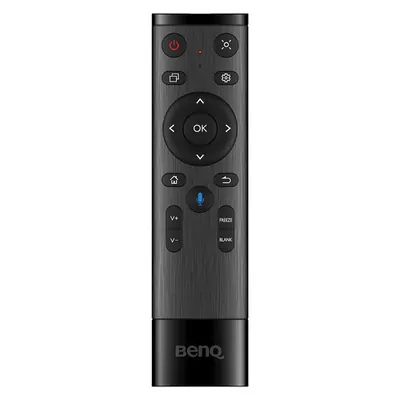 BenQRM03/RP03/RM04/RP04/RE04/RP02/RM03
5A.FAX06.003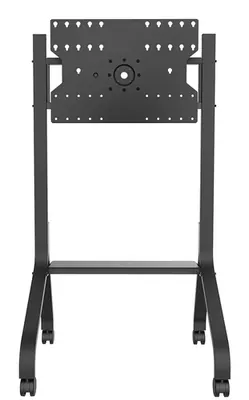 BenQRotating trolley for ST4302S, ST5502S, IL4301, IL5501, SL4302K, SL5502
5J.F5M10.001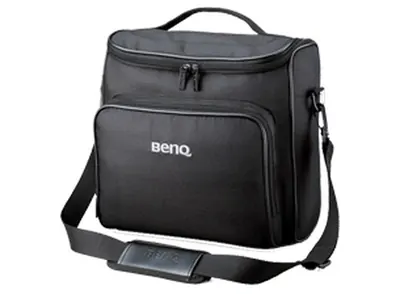 BenQCarrying Case- MS614, MS612ST, MX615, MX660, MX660p, MX710, MX711
5J.J3T09.001